We are Reader-supported: We earn commissions through links at no extra cost to you. Details.
Table of Contents
File Your Taxes Online for the First Time
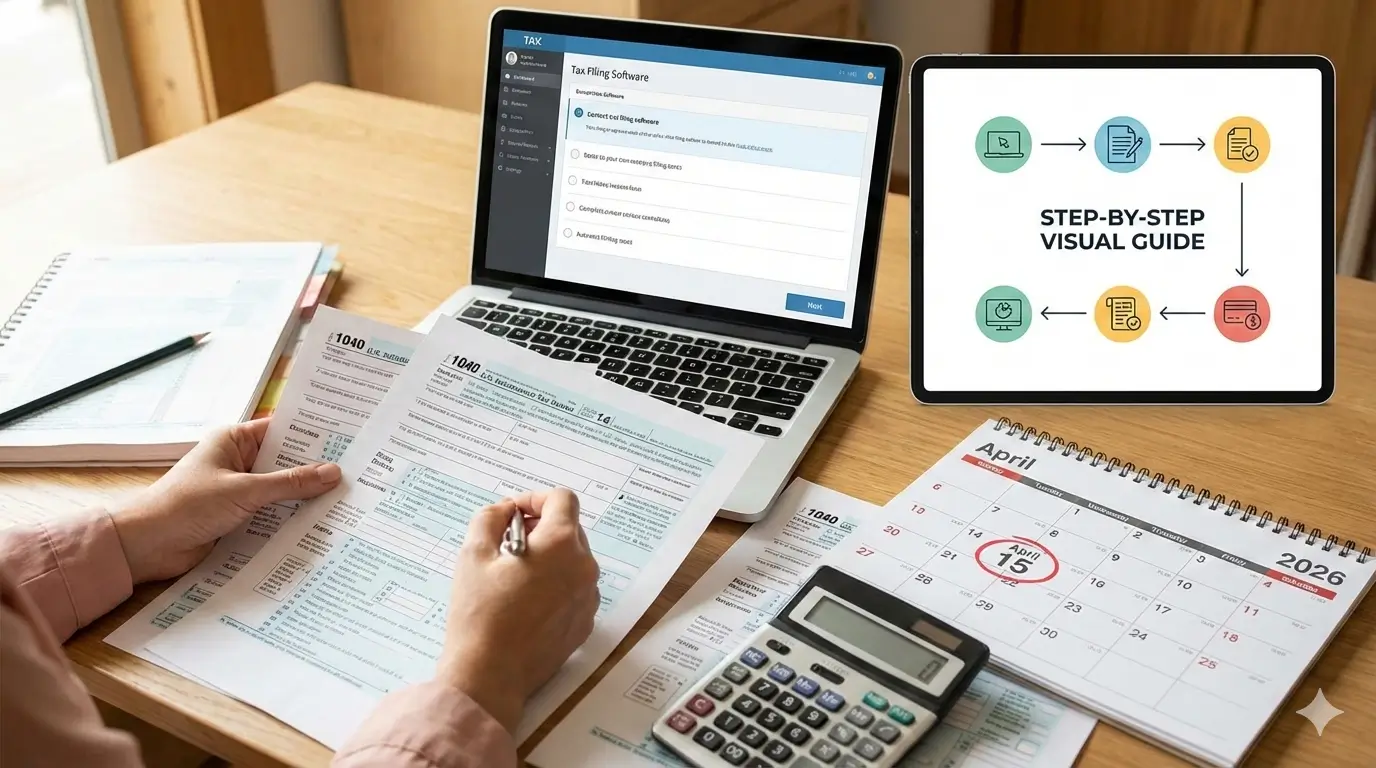
To file your taxes online for the first time in the United States doesn’t have to be stressful. This beginner-friendly 2026 guide explains how to file your federal taxes online step by step, even if you’ve never done it before.
Feeling overwhelmed by tax season? You’re not alone. Filing for the first time can be confusing, but filing your taxes online is easier, faster, and more secure than ever. This 2026 guide breaks down the entire process into simple steps, ensuring you get your maximum refund (or minimize your bill) without the headache.
Why File Online?
- Faster Refunds: Get your money in as little as 7-10 days with direct deposit vs. months for paper filing.
- Accuracy Guarantee: Top software checks for errors and missed deductions, reducing audit risk.
- Free Options: If your income is below a certain threshold (around $79,000 for 2025 tax year), you qualify for IRS Free File.
- Convenience: File from your phone or computer, on your schedule.
What You Need Before You Start (Your Document Checklist)
Gather these 2025 tax documents:(File Your Taxes Online)
- W-2 Forms from all employers.
- 1099 Forms for freelance, gig, or interest income (1099-NEC, 1099-INT, etc.) — Here is Detailed guide comparing W-2 and 1099 forms.
- Social Security Number(s) for you, your spouse, and dependents.
- Form 1095-A if you had marketplace health insurance.
- Proof of deductible expenses (student loan interest, educator expenses, charitable donations).
- Prior-Year AGI or Last Year’s Tax Return (to verify your identity with the IRS).
- Bank Routing & Account Numbers for your refund or payment.
📌 Quick Tip: If this is your first tax return, keep digital copies of all documents—you may need them for FAFSA, loan applications, or future tax years.
Step-by-Step Guide to Filing Online in 2026
Step 1: Choose the Right Tax Software
For first-timers, user-friendly guided software is key. Here are the top 2026 picks:
- IRS Free File Program: Go to IRS.gov first! If your Adjusted Gross Income (AGI) is under ~$79,000, you can use brand-name software for free.
- Cash App Taxes (formerly Credit Karma Tax): Truly $0 for both federal and state, regardless of income. Best for simple returns.
- TurboTax: Extremely user-friendly with excellent guidance. Ideal if you have questions, but costs more for complex situations.
- H&R Block: A strong, often more affordable alternative to TurboTax with similar guidance.
Pro Tip: Most offer a free version for simple returns (just a W-2). Start with the free option and only upgrade if your situation requires it. For a detailed breakdown, see our Best Tax Software for 2026 comparison.
Step 2: Create an Account & Enter Basic Info
Start a new return. You’ll enter your name, SSN, address, and filing status (e.g., Single, Head of Household). Accuracy here is critical to avoid delays.
Step 3: Input Your Income Documents
The software will guide you. Use the “Import” feature if you can—many programs can securely pull W-2 data directly from your employer. Otherwise, manually enter numbers from each box on your forms.
Step 4: Claim Deductions & Credits (This is Your Money!)
This is where you shrink your tax bill. The software will ask simple questions to find:
- Standard Deduction (taken by most filers: ~$14,600 for Single in 2025).
- Credits like the Earned Income Tax Credit (EITC) or Child Tax Credit, which directly increase your refund.
Step 5: Review, Review, Review!
Double-check all entries for typos in SSNs and dollar amounts. The software will run an error check. Ensure your bank account details are correct for direct deposit.
Step 6: E-File Your Return
Once perfect, the software will submit your return electronically to the IRS and your state (if applicable). Most software will also help you file your state tax return, though fees may apply depending on the provider and state. You’ll receive email confirmation within 48 hours that the IRS has accepted your return.
Step 7: Track Your Refund
Use the IRS “Where’s My Refund?” tool or the IRS2Go app. With e-file and direct deposit, most refunds arrive in less than 21 days. For more details, check our guide on How Long Do Tax Refunds Take?.

Common First-Timer FAQs (File Your Taxes Online)
Q: What if I can’t afford to pay my tax bill?
A: STILL FILE ON TIME. File your return and pay what you can. The penalty for not filing is much larger than the penalty for not paying. You can set up an IRS payment plan online.
Q: What is the deadline to file in 2026?
A: The federal tax deadline is April 15, 2026. If you need more time, you can file for a free extension until October 15, 2026—but remember, an extension to file is not an extension to pay any tax you owe.
Q: Is my information safe with tax software?
A: Reputable companies use bank-level encryption (look for “https://” and security seals). They have a vested interest in protecting your data.
Final Takeaway (File Your Taxes Online)
Filing taxes online for the first time in 2026 is a straightforward process of gathering documents, answering questions in guided software, and hitting submit. By starting early, you avoid the last-minute rush and get your refund quickly.
Disclaimer: This article is for informational purposes only and is not tax advice. Please consult a qualified tax professional for advice specific to your situation.
⭐ Customer Ratings
0 out of 5 stars (based on 0 reviews)
📝 Leave Your Review
📌 All Customer Reviews
There are no reviews yet. Be the first one to write one.
NOTE: As an Amazon Associate, We earn from qualifying purchases